Associating a Survey with a Questionnaire
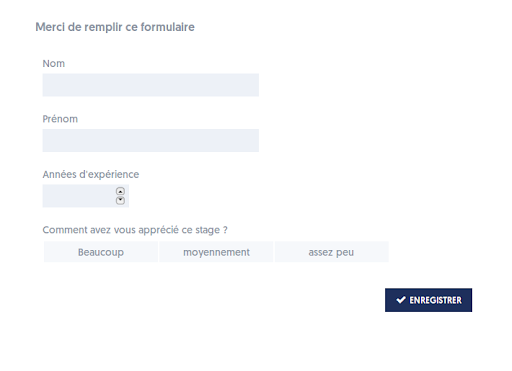
As mentioned in §1.1.3 regarding questionnaire options, you can associate a survey with a questionnaire. This means that when a test starts based on this questionnaire, the survey is presented to the user, who is invited to fill in the various input fields.
You can present a survey:
- Before the questions of the questionnaire
- After the questions of the questionnaire
- Before and then after the questions (likely with two different surveys!)
The survey form will look like this:
Article Navigation
Previous Previous Article: Additional Options for Input Fields