Participant Side
A participant receives a 6-letter code either from the facilitator, via email, or by SMS.
They use it to log in.
Public
Simply use the 6-letter code to log in and sign.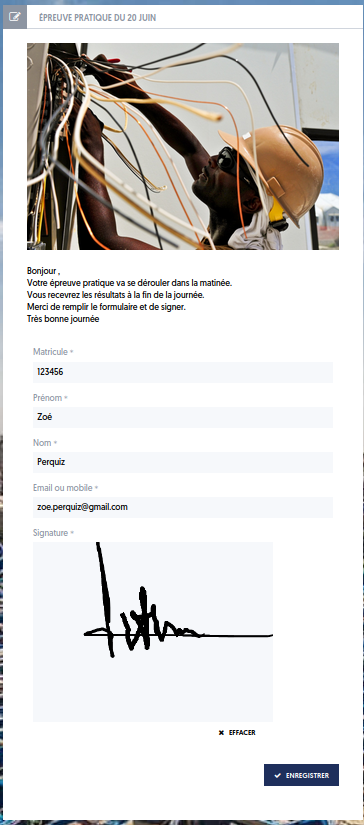
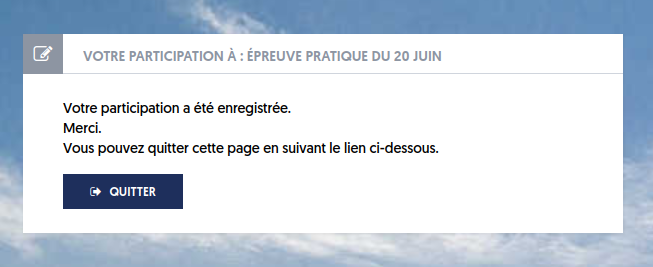
Collective
Before accessing the signature page, the participant will select their name from the list of invited participants.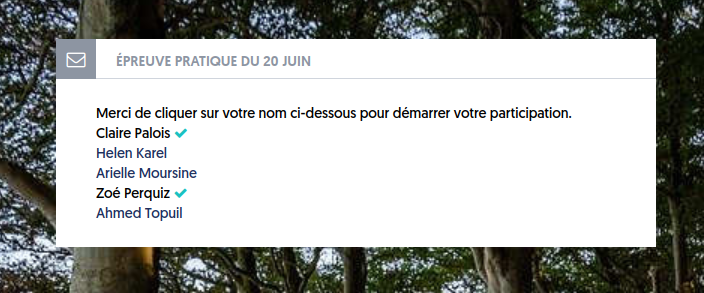
Participants who have already signed are indicated by a green checkmark.
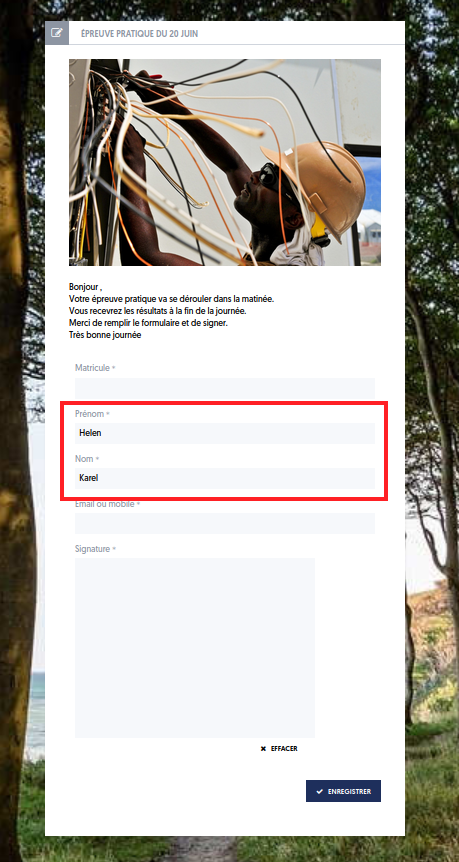
By clicking on her name, Helen Karel opens her signature window with her first and last name filled in.
Individual
In individual mode, the 6-letter code is unique to each participant. They received this code via email or SMS along with the login link.
They directly obtain their signature window.
Article Navigation
Previous Previous Article: Exporting results and deleting a session