Digitalized Attendance
ExperQuiz offers the possibility to have participants of a training session sign in. All the steps to request attendance and export the list of signatures are detailed in the video below:
In the context of training, attendance is an essential function.
Training sessions are often hybrid, with part in-person and part remote, so the trainer needs a digital attendance tool to ensure the presence of trainees in real-time.
This is the feature offered by ExperQuiz.
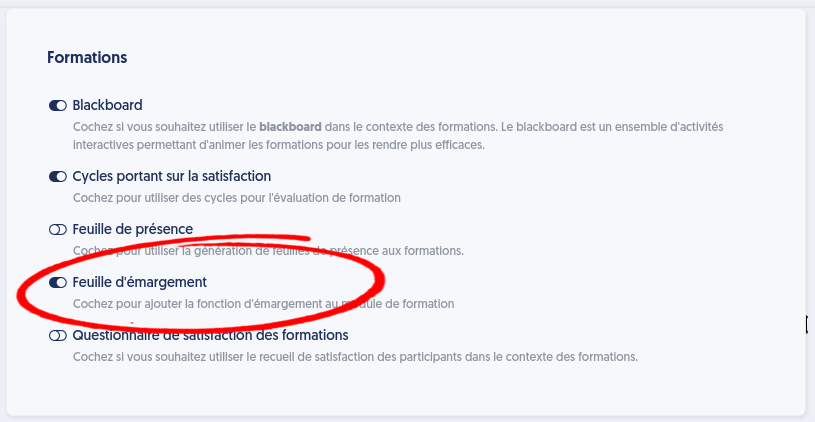
To implement it, it must be activated in the company settings.
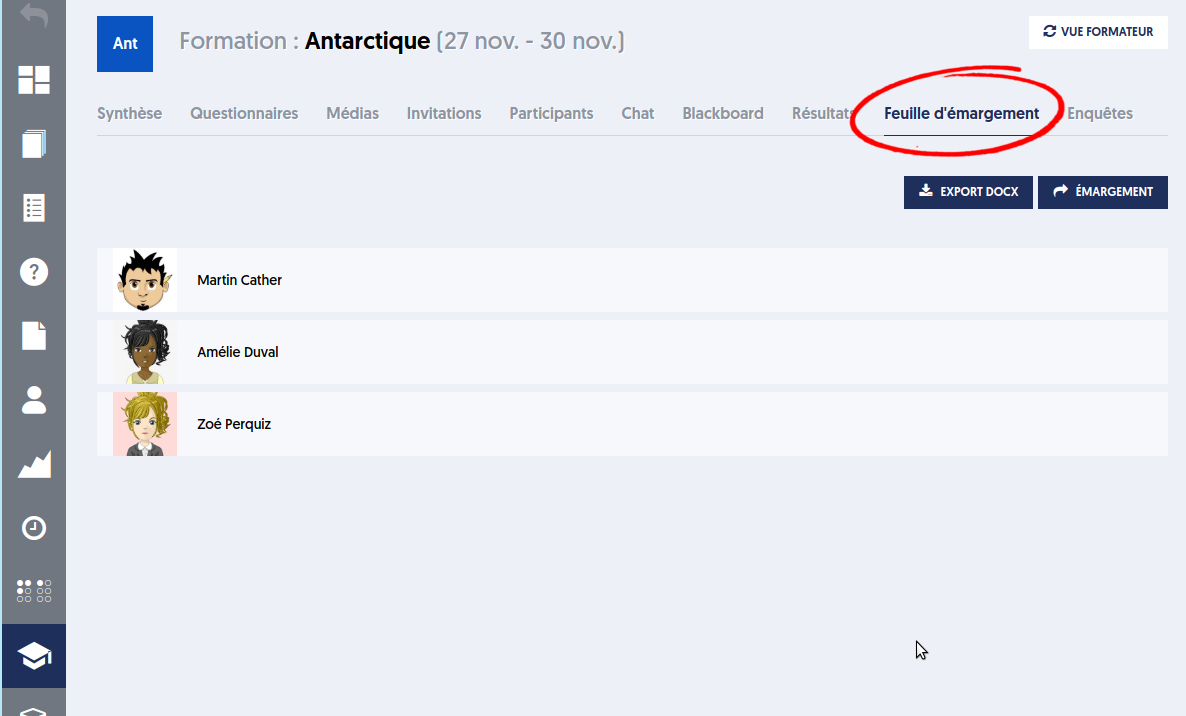
A "Attendance Sheet" tab appears in the training panel, allowing the trainer to send an attendance request to the present trainees.
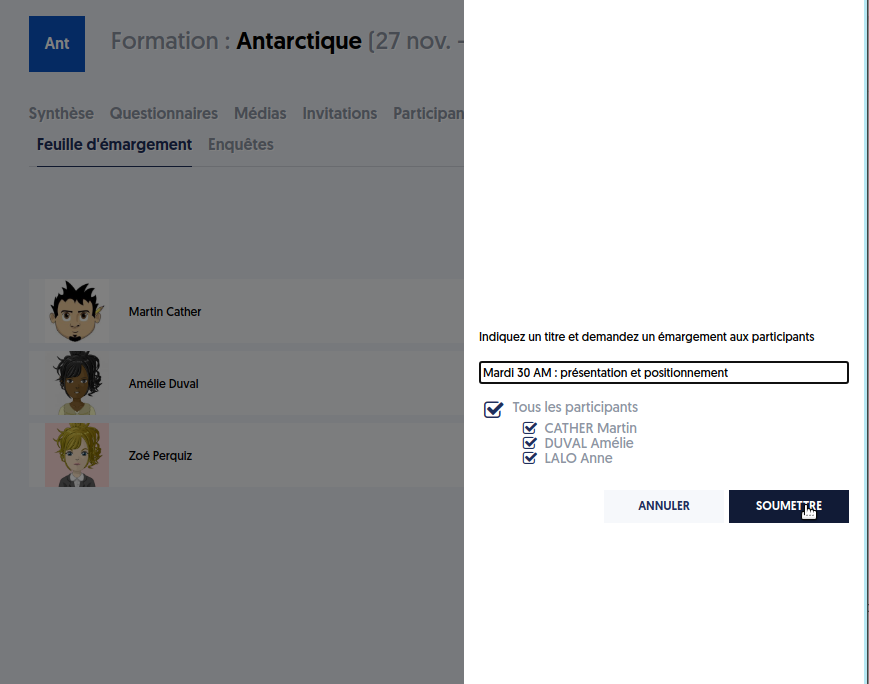
The trainer can optionally give a title to their attendance request and choose the participants they wish to address it to.
The invited trainee must be logged into their account and positioned on their training page to receive the notification. A panel opens on the right for them to draw their signature with their mouse or finger.
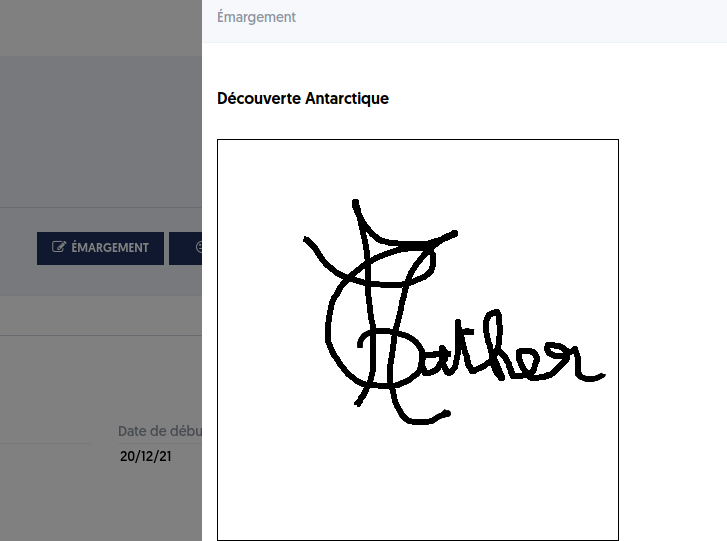
If they close the panel, they can reopen it by clicking the "attendance" button.
This button is available for 3 minutes, after which it disappears and it is no longer possible to sign in until a new request from the trainer.

From the trainer's side, all trainees' attendance is presented in a table as follows:
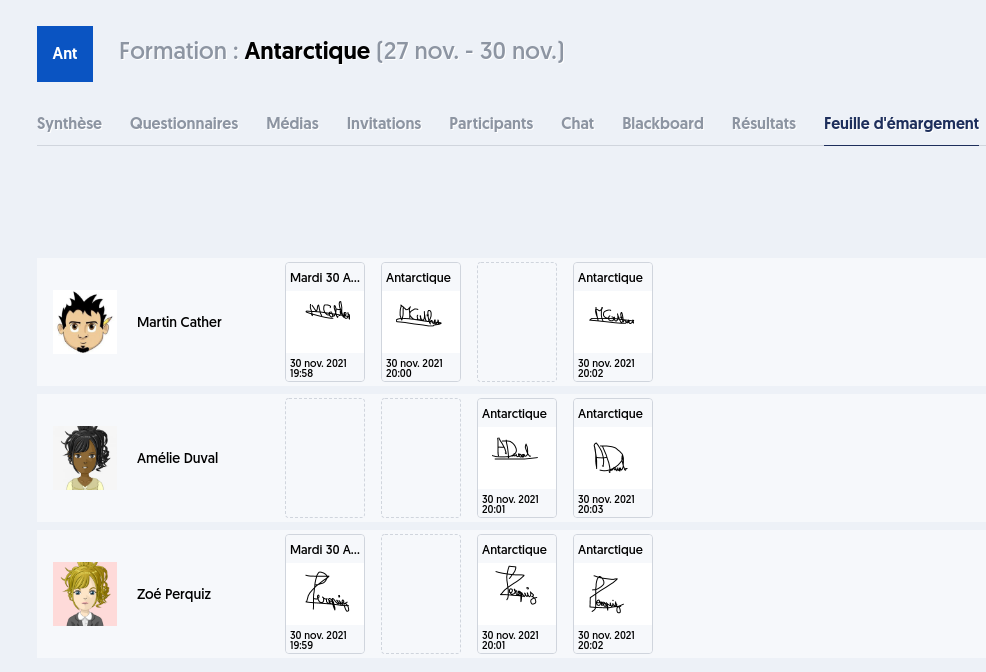
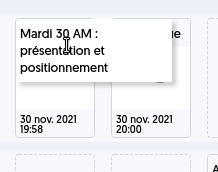
When hovering over it, the title given to the request is displayed: