Deleting a Test
A evaluation corresponds to an invitation to take a questionnaire, addressed to several people. When an evaluation is completed, a summary of results is presented: statistics on participants' responses, response times, most common errors, …
The page containing all evaluations is accessible via the “Results/Evaluations” menu.
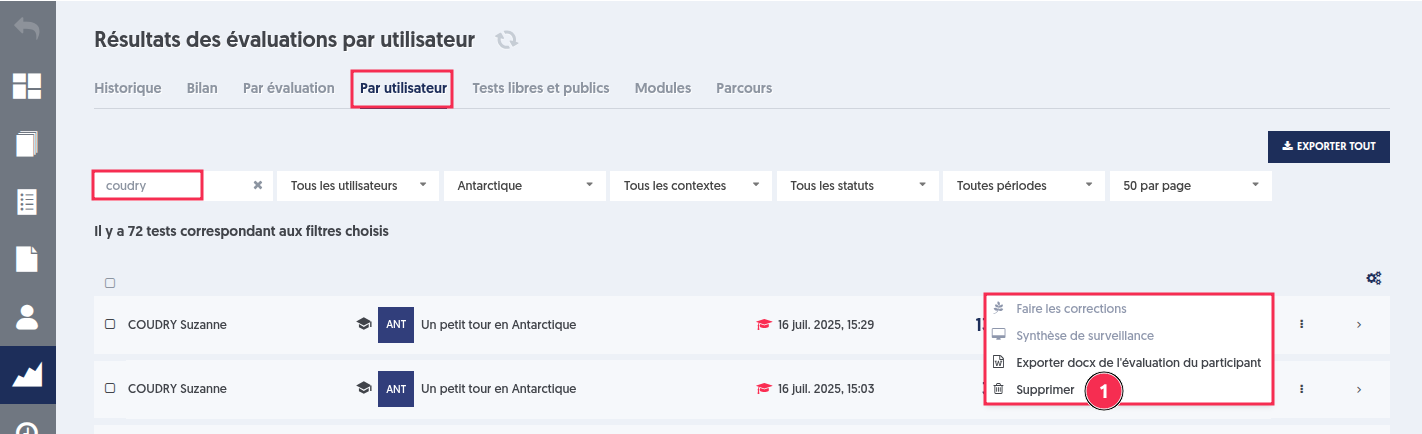
The individual tests of each participant can be viewed in the “Results/By User” menu.
Deleting an individual test included in an evaluation is done from the “Results/By User” page.
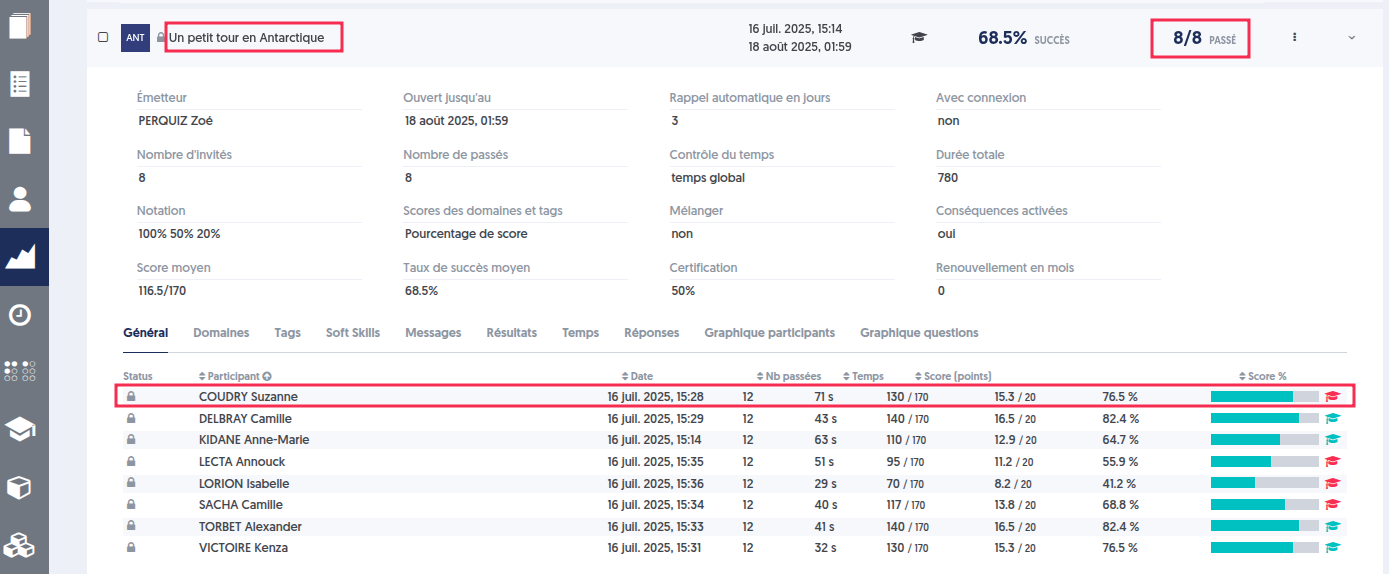
For example, let's take the evaluation on the questionnaire “A Little Tour in Antarctica” taken by 8 users and delete Suzanne Coudry's test.
Let's delete the test in the “Results/By User” page.
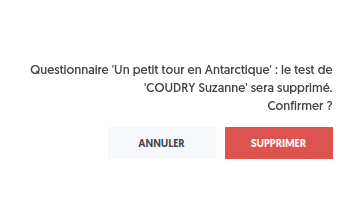
A confirmation request then appears to validate the deletion.
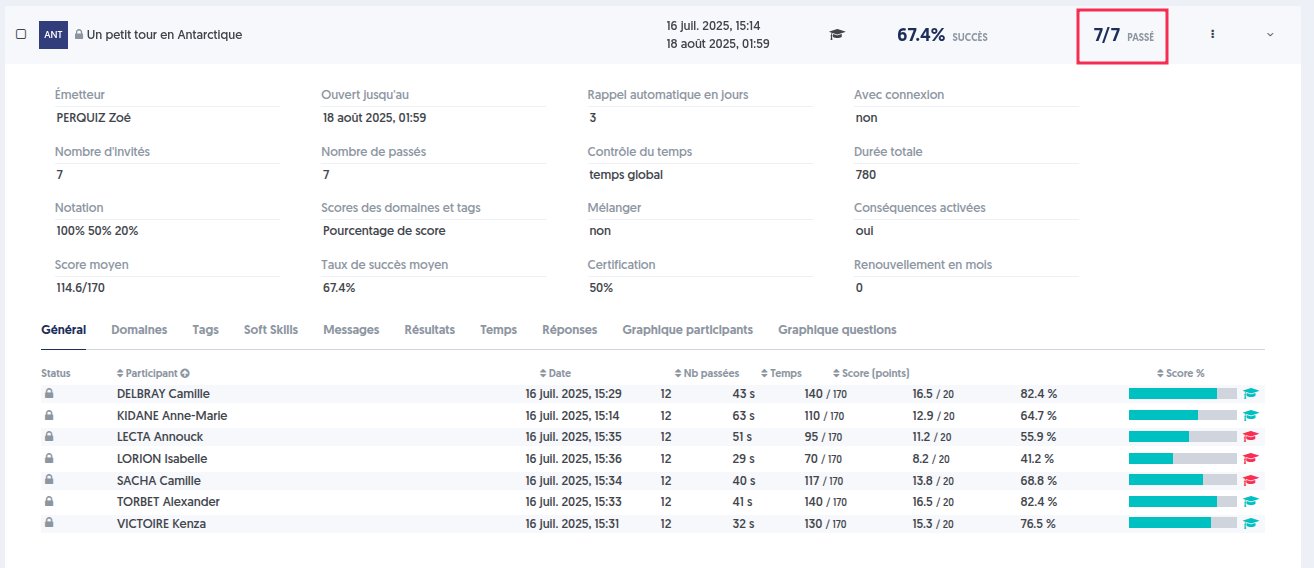
The evaluation has been updated.
This option is not available for module or pathway evaluations.
Indeed, a module consists of a series of steps, and an evaluation can validate a step allowing access to the next ones. Deleting a test that has already been validated would significantly disrupt the course of the module.