Creating a Survey
The survey feature is optional. To activate it, go to the Options tab of the Company page, and in the Admin Menu, check the Surveys option.
The Surveys choice will then appear in your admin menu.
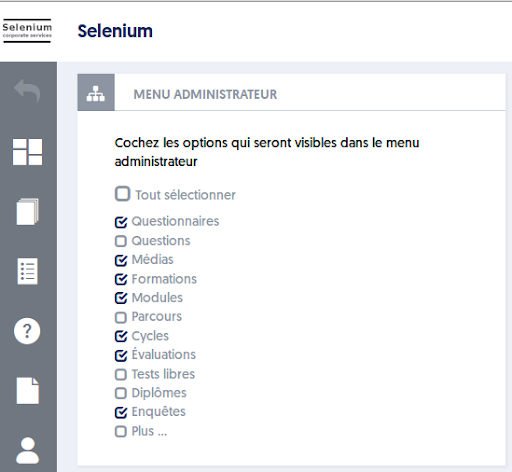
Now, go to the Surveys page and click on the NEW SURVEY button.
The survey form creation page will appear:
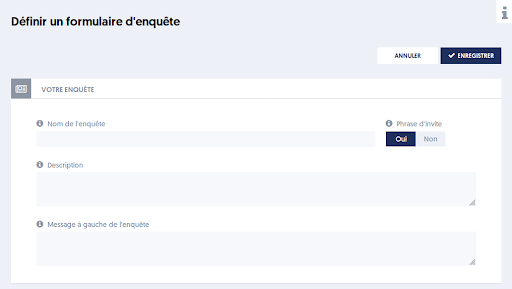
Give your survey a name, possibly a description, and then click SAVE.
The prompt phrase option means that, above the form, a standard phrase will ask the user to fill in the presented fields.
On the same page, you will now define the input fields that will make up your new form.
Article Navigation
Previous Previous article: List of surveys
Next Next article: Selecting the fields that make up the form